
TREX IPTV Activation Panel — Activation Panel of TREX
The reseller dashboard built for serious IPTV operators — log in to the activation panel of TREX (activation panel server X) to generate M3U lines, MAC portals, manage credits, sub-resellers, and customers from a single activation panel. Stable infrastructure, instant activation, and 24/7 support.
Everything you need from the activation panel of TREX
The TREX IPTV Activation Panel — also known as the activation panel server X — gives you the controls a professional reseller needs: line generation, customer management, credit allocation, and real-time visibility from a single activation panel.
Generate M3U lines
Create unlimited M3U / Xtream-codes lines for any device. Set duration, max connections, and country presets.
MAC portal lines
Bind MAG / Formuler / Dreamlink boxes by MAC address. Push channel bouquets and EPG to each portal.
Credit & wallet
Top-up credits, view spending, and set thresholds. Credits don't expire and roll over month to month.
Sub-reseller hierarchy
Onboard sub-resellers with their own panels and customer lists. Move credits across your network in one click.
Real-time stats
Track active lines, expiring subscriptions, and revenue trends. Export CSVs for accounting whenever you want.
Auto-renewal & alerts
Get notified before lines expire. Bulk-renew customers and avoid lost revenue from forgotten subscriptions.
How to get your TREX panel
Contact TREX
WhatsApp the team and tell us the size of your operation and target region.
Pick a credit pack
120 / 600 / 1200 credits — or custom volumes for larger resellers.
Receive panel access
You get a panel URL, login, and credit balance within a few minutes after payment.
Start activating
Generate lines for your customers, set up sub-resellers, and grow.
TREX IPTV Activation Panel — Reseller Pricing
Pick the reseller credit pack that fits your operation on the activation panel of TREX. Tap any plan to view full pricing on the home page.
Reseller Gain Calculator
Slide to set your clients and months per client — your Euros gain updates live.
Standard rate: 120 credits = 10 lines × 12 months · 1 credit = 1 month.
Activation panel of TREX — Activation panel server X tour
A quick visual tour — pages, sections and features of the activation panel from TREX IPTV.
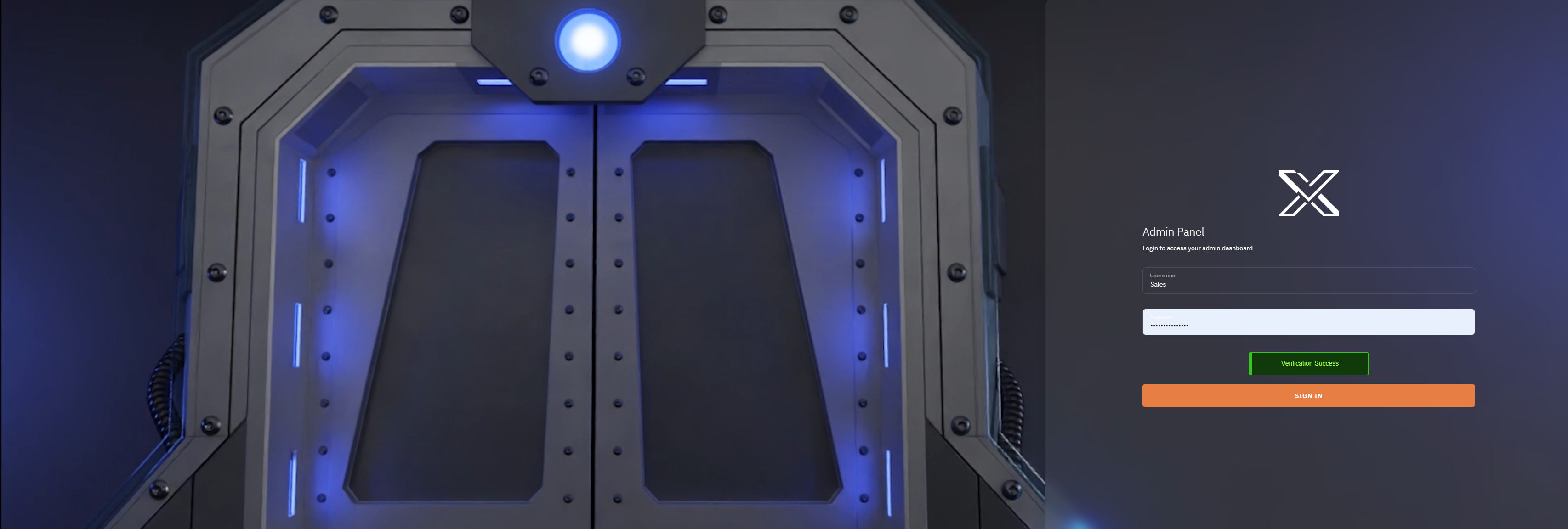
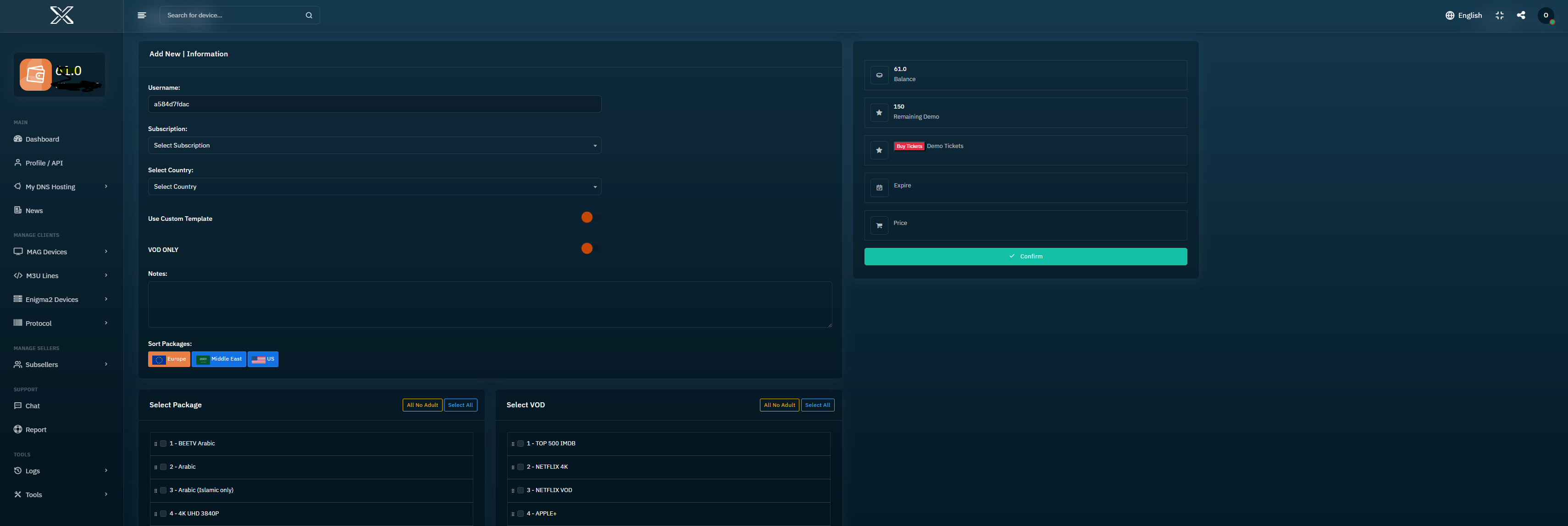
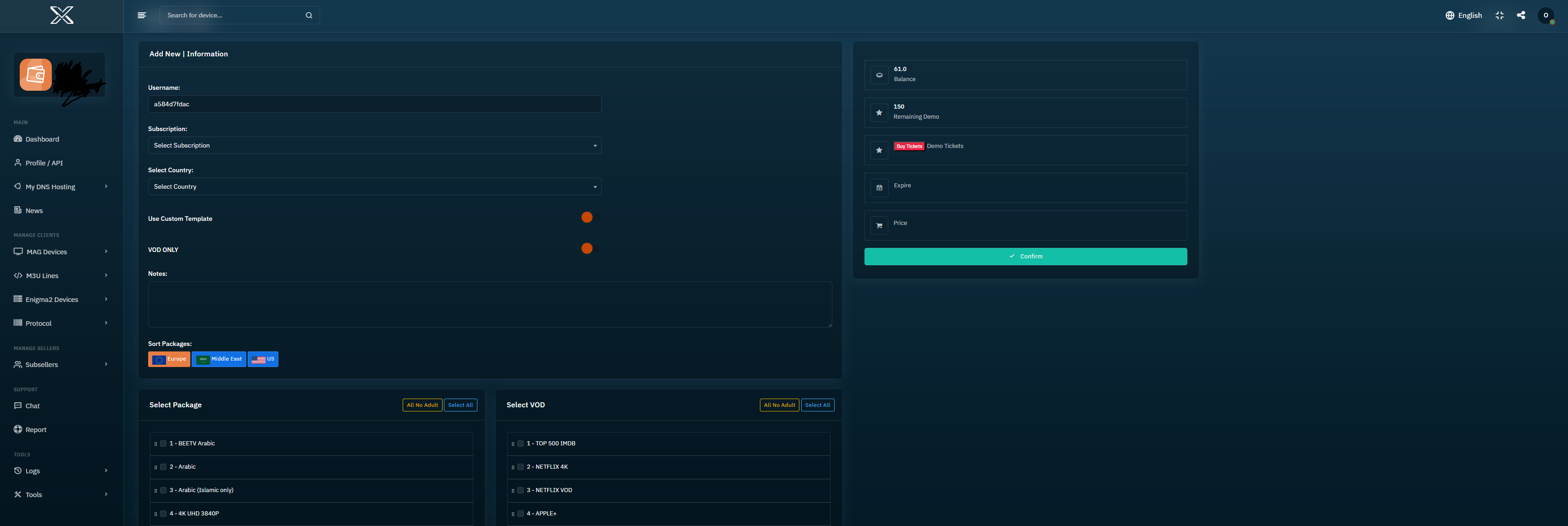
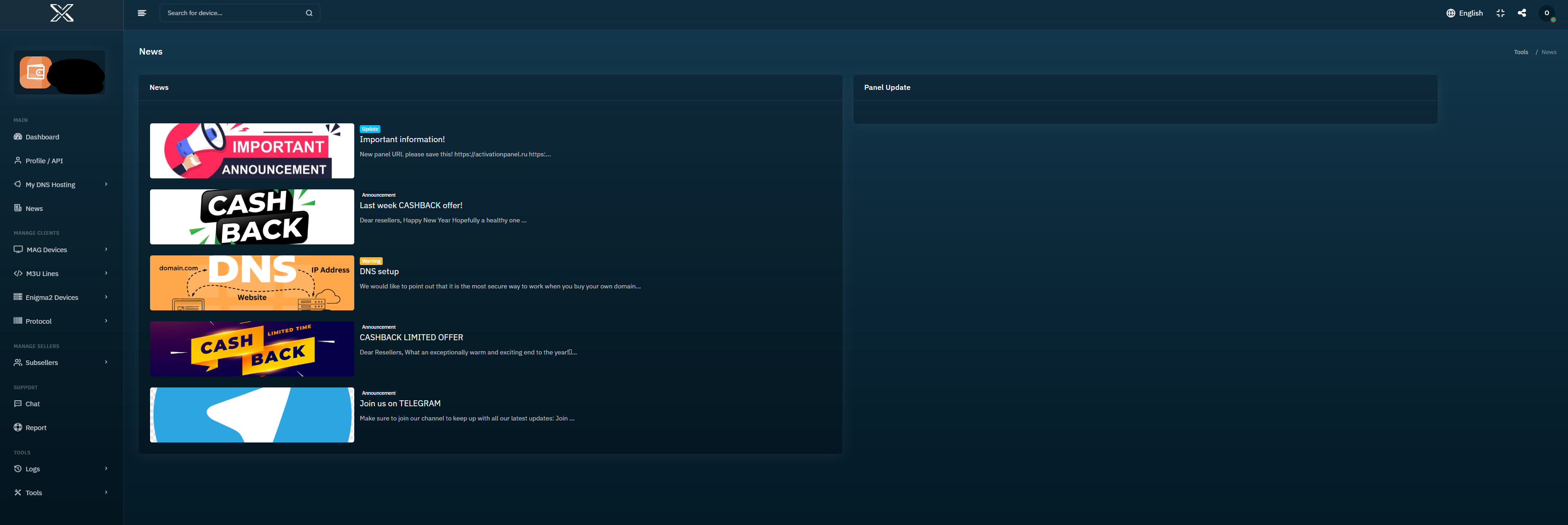

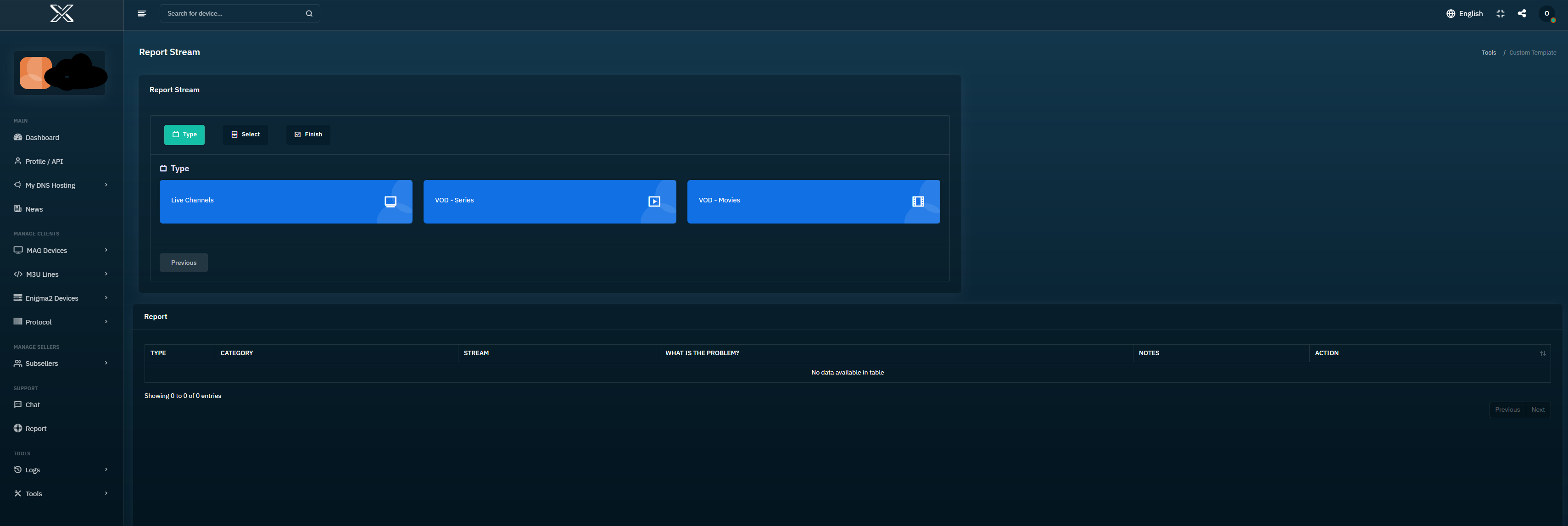
Open the TREX Activation Panel
Sign in to your reseller dashboard here:
activationpanel.ru.
Heads up: this URL may change from time to time — if the link above stops working, please contact us and we'll send you the current one.
Set up your own DNS domain
Run your TREX panel on your own domain — self-service from the panel, no support ticket needed.
- Buy a domain from Namecheap, Hostinger, GoDaddy, or any registrar.
- Open your panel → My Services > My Host → click Add host. Enter the bare domain only — name.com (no
http://, nowww). - The panel returns two nameservers — copy them.
- Log in to your registrar, open the domain manager and paste those nameservers in place of the defaults.
- Wait up to 48 hours for DNS propagation. Done — your domain is live.
Already a TREX reseller?
Open your panel and start activating lines.


